eXtremeRate
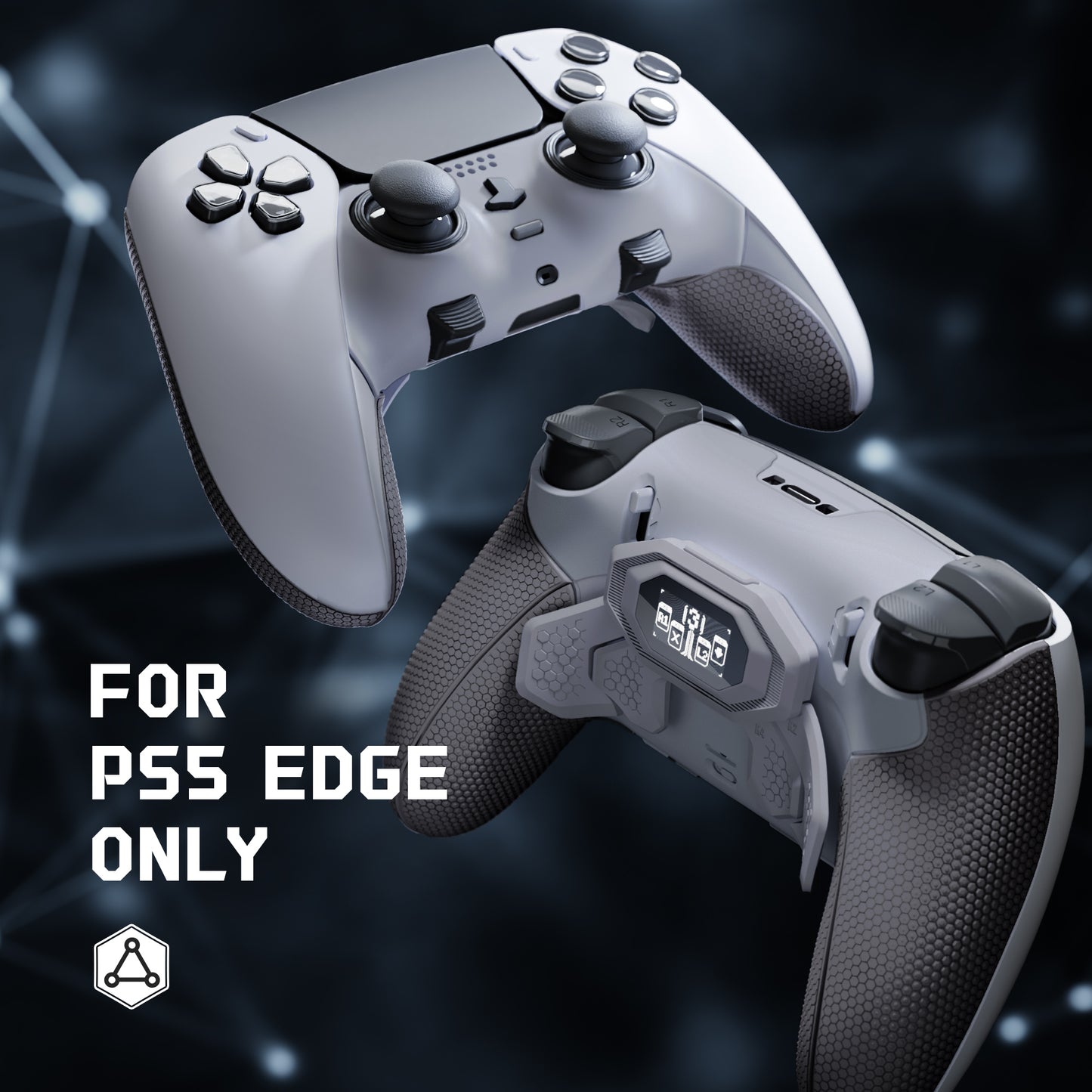
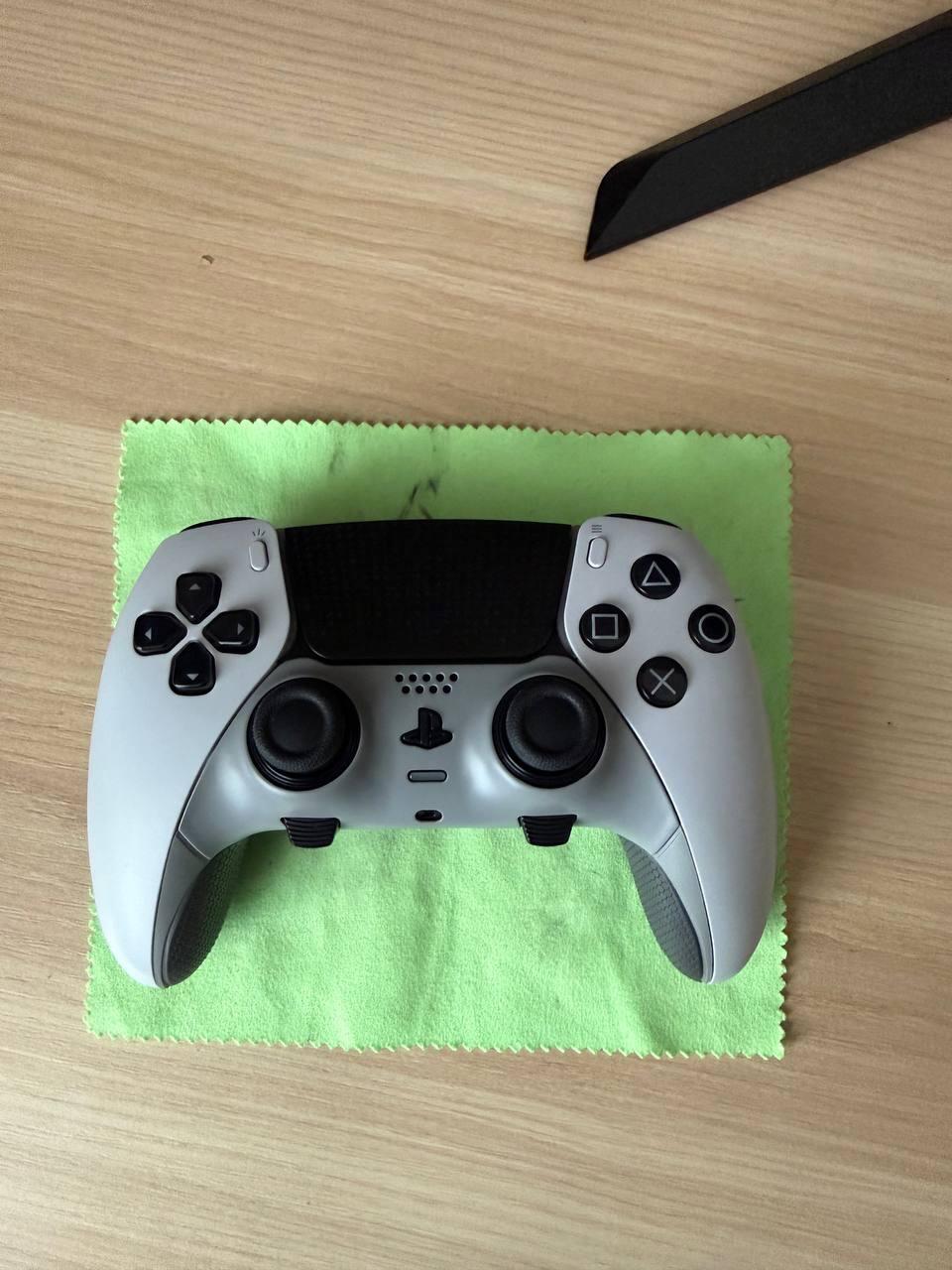
eXtremeRate BEYOND Back Paddles Kit with OLED Display & Redesigned Ergonomic Grips for PS5 Edge Controller - Rubberized New Hope Gray & Classic Gray
Couldn't load pickup availability
Engineered for e-Sports Tournaments:
1. The eXtremeRate BEYOND Remap Kit for PS5 Edge is an evolutionary upgrade kit that adds advanced gaming functionality to your controller.
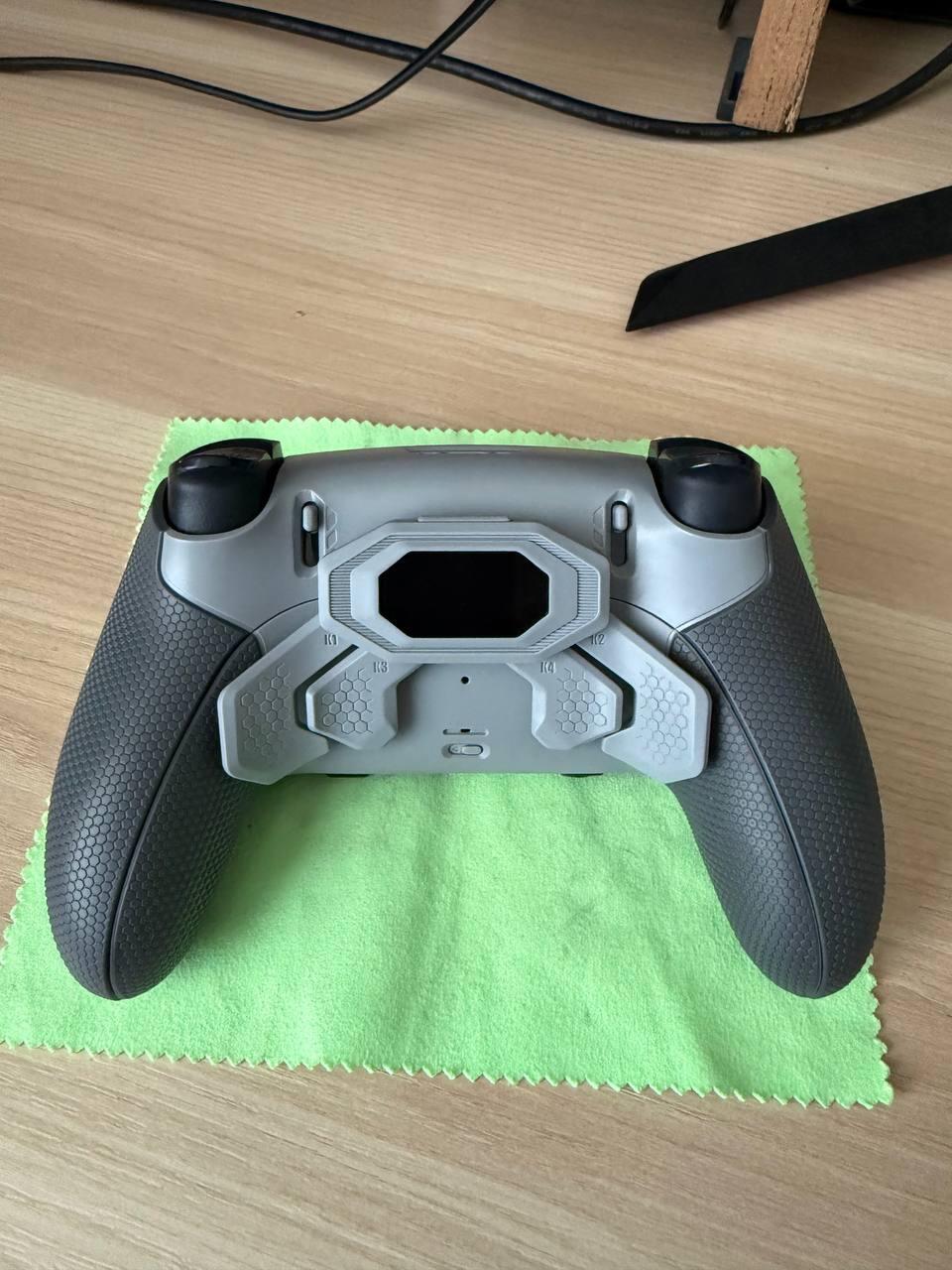
2. Easily turn your controller into a more professional e-sports gamepad with the visible OLED display and additional 4 programmable remap buttons.
3. Get a competitive edge in online games and tournaments with a remap upgrade solution that is completely tournament-legal.
4. Remap up to 15 buttons to the 4 back buttons to make them pressable by your middle fingers thanks to 8 customizable mapping profiles.
5. The integrated OLED Display for visualized mapping control. Visualized button mapping and graphical layout displays ensure precise, accurate setup at a glance.
6. Rubberized handle grips improve the grip and feel of your controller, making it ideal for extensive gameplay.
NOTICE: READ BEFORE PURCHASE
-Compatibility & Guide:
1. The eXtremeRate BEYOND 4 Back Paddles Remap Kit is ONLY compatible with for PS5 Edge Controller, Not fit for other controllers.
2. Compatible with PS5 Console/PC/MAC and the official charging dock; Compatible with eXtremeRate Clicky kit, D&F LED Kit, replacement shells and buttons for PS5 Edge Controller.
3. Without the controller and other parts.
-Installation Guide & Tips:
1. You will need to disassemble your controller for installation, and high hands-on skills are required. NO soldering required.
2. The package contains many small electronic components. Please be patient and careful during the installation process to avoid damaging the accessories or improper installation that may cause the Remap Kit not work properly.
3. Tap here to check the installation guide video: eXtremeRate PS5 Edge Controller BEYOND Back Paddles Kit Installation Guide
On-the-fly Buttons Remapping:
1. Press and hold the Set button on the back for 3 seconds to enter the button programming mode.
2. Activate the remapping program during gameplay and assign a maximum of 15 buttons (X, O, Triangle, Square, Up, Down, Left, Right, L1, L2, R1, R2, LB, RB, and Touchpad Buttons) to the back buttons.
3. Assign the L3 R3 to LB RB according to the original setting first, then assign LB RB to the back buttons to gain extra assignments.
4. One back button can only map one function button; One function button can be remapped to more than one back button.
5. Double-click the Set button to switch the pre-saved back button assignment profiles at any time.
Package Includes:
1* BEYOND remap board & flex cables & OLED screen lens set
1* K1/K2/K3/K4 back paddles attachment
1* Re-designed back clip shell & bottom shell
1* Front Decorative shell
1* Charging port decorative strip
1* Tigger stop switch buttons (left & right)
1* Prying Tool
1* Screwdriver
54* Screws
6* Springs
4* Stainless steel shafts for back buttons
Note: WITHOUT the controller and any other parts!